The basics of online booking
Online booking means clients schedule their own appointments without needing to message you first. You set up a booking page (through a booking platform) that shows your services, prices, availability, and how to pay a deposit. Clients pick what they want, choose a time, pay the deposit, and receive a confirmation.
You don't need to do anything until the appointment — the booking, confirmation, and reminder all happen automatically.
What the client experience looks like
| Step | What happens |
|---|---|
| 1. Visit your booking link | Client clicks the link in your Instagram bio or website |
| 2. Choose a service | They see your service menu with names, descriptions, duration, and price |
| 3. Choose a date and time | A calendar shows your available slots — only times you're free are visible |
| 4. Enter contact details | Name, phone number, email (varies by platform) |
| 5. Pay deposit | If you require a deposit, they pay it here by card — booking only confirms once payment is made |
| 6. Receive confirmation | Automatic confirmation email or SMS with their appointment details |
| 7. Receive reminder | Automatic reminder (24–48 hours before) — reduces no-shows |
What you see as the nail tech
From your side:
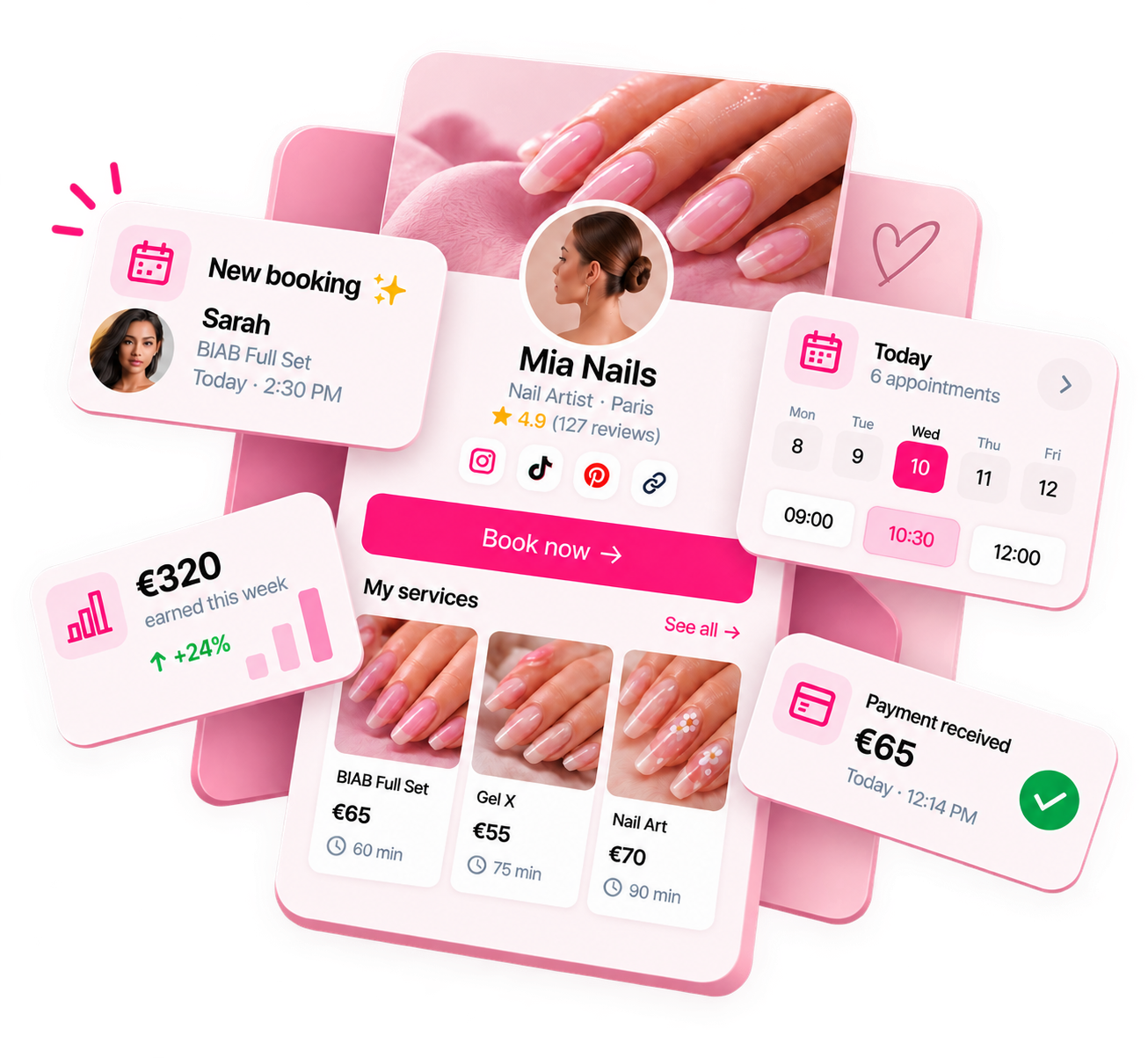
- A notification (push notification or email) when a new booking is made
- Your calendar updates automatically with the new appointment
- Client details visible in the booking (name, service, contact info)
- Deposit shown as received (if collected)
- Ability to reschedule, cancel, or message the client through the platform
How deposits work
With online booking, you can require clients to pay a deposit at the point of booking — before the appointment is confirmed. Here's how it typically works:
- You set a deposit amount (e.g. 30% of the service price, or a flat fee)
- Clients pay by card during the booking flow — the booking doesn't confirm until payment is received
- The deposit is held by the platform or paid to you, depending on the platform
- If a client cancels within your cancellation window, the deposit policy dictates whether they're refunded
- The remaining balance is paid at the appointment (cash, card, or link)
Deposit policy guide: nail tech deposit policy.
How reminders work
Most booking platforms send automatic reminders to clients before their appointment — typically 24 or 48 hours in advance. You configure this once; it runs automatically for every booking.
Reminders significantly reduce no-shows. Clients who would have forgotten are reminded; clients who can no longer attend have advance notice to cancel (within your policy window).
Getting started
Setting up online booking typically takes a few hours: choose a platform, create your service menu, set your working hours and availability, configure your deposit requirements, and share your booking link in your Instagram bio. Full setup guide: how to set up online booking for your nail business.
Ready to run your nail business more professionally?
Manage bookings, deposits and payments from one customisable Nelsy booking page.
Start free →Frequently asked questions
Do clients have to create an account to book online?
It depends on the platform. Some booking platforms require clients to create an account before booking; others allow guest checkout with just a name and phone number. Platforms requiring account creation add friction — clients who don't want to sign up may abandon the booking. When evaluating a booking platform, test the client experience yourself to see how many steps it takes.
What happens if a client books a time I'm not available?
Your booking system only shows available times based on your working hours and existing appointments. Clients can only select from available slots — they can't book times marked as unavailable. Make sure your working hours and any blocked-off time are set correctly to prevent unwanted bookings.
Can I manually add appointments to my online booking system?
Yes — most booking platforms allow you to add appointments manually (for clients who prefer to book by phone or message, or for walk-ins). Manual appointments block the time in your calendar just like online bookings.