Step 1: Choose your platform
Your platform choice determines your features, cost, and client experience. Key decision factors:
- Do you want marketplace discovery? Fresha and Booksy have marketplaces; Nelsy and GlossGenius are direct booking only
- What country are you in? GlossGenius is US-only; Fresha and Booksy have international presence
- What's your budget? Fresha is free subscription; Booksy and GlossGenius require monthly payment
Full comparison: best booking apps for nail techs.
Step 2: Set up your profile
- Profile photo: A clear, professional photo of your work (not just a face photo)
- Business name: Your trading name, exactly as it appears everywhere else
- Location: Your salon address, or for home/mobile techs: your area with exact address sent to confirmed clients only
- Description: 2–3 sentences on who you serve, your specialty, and your booking approach
- Portfolio photos: Add your best nail sets — this is what converts profile views to bookings
Step 3: Add your services
For each service you offer:
- Clear service name (as you'd say it to a client)
- Price (match exactly what you charge)
- Duration — be accurate; allow buffer for cleaning between clients
- Short description if needed (e.g. what's included, what's not)
Step 4: Set your availability
- Set your standard working days and hours
- Add buffer time between appointments (cleaning and setup time)
- Block any known dates off in advance (holidays, training days)
- Set your booking window — how far in advance clients can book (e.g. up to 8 weeks)
- Set minimum notice — how far in advance clients must book (e.g. at least 24 hours)
Step 5: Configure deposits and policies
Turn on deposit collection — this is one of the most impactful steps for reducing no-shows:
- Set deposit amount (20–50% of service price, or a flat fee)
- Set your cancellation window (e.g. deposit non-refundable if cancelling within 48 hours)
- Add your policies to the booking page description or in the platform's policy field
Deposit policy guide: nail tech deposit policy.
Step 6: Launch and share your link
Before going live — test the full booking flow yourself as a client. Make a test booking, pay a deposit, check the confirmation and reminder. Fix anything that looks wrong.
Then share your booking link:
- Instagram bio link
- Link in bio page
- Instagram post announcing it's live
- Anywhere else you promote your nail business
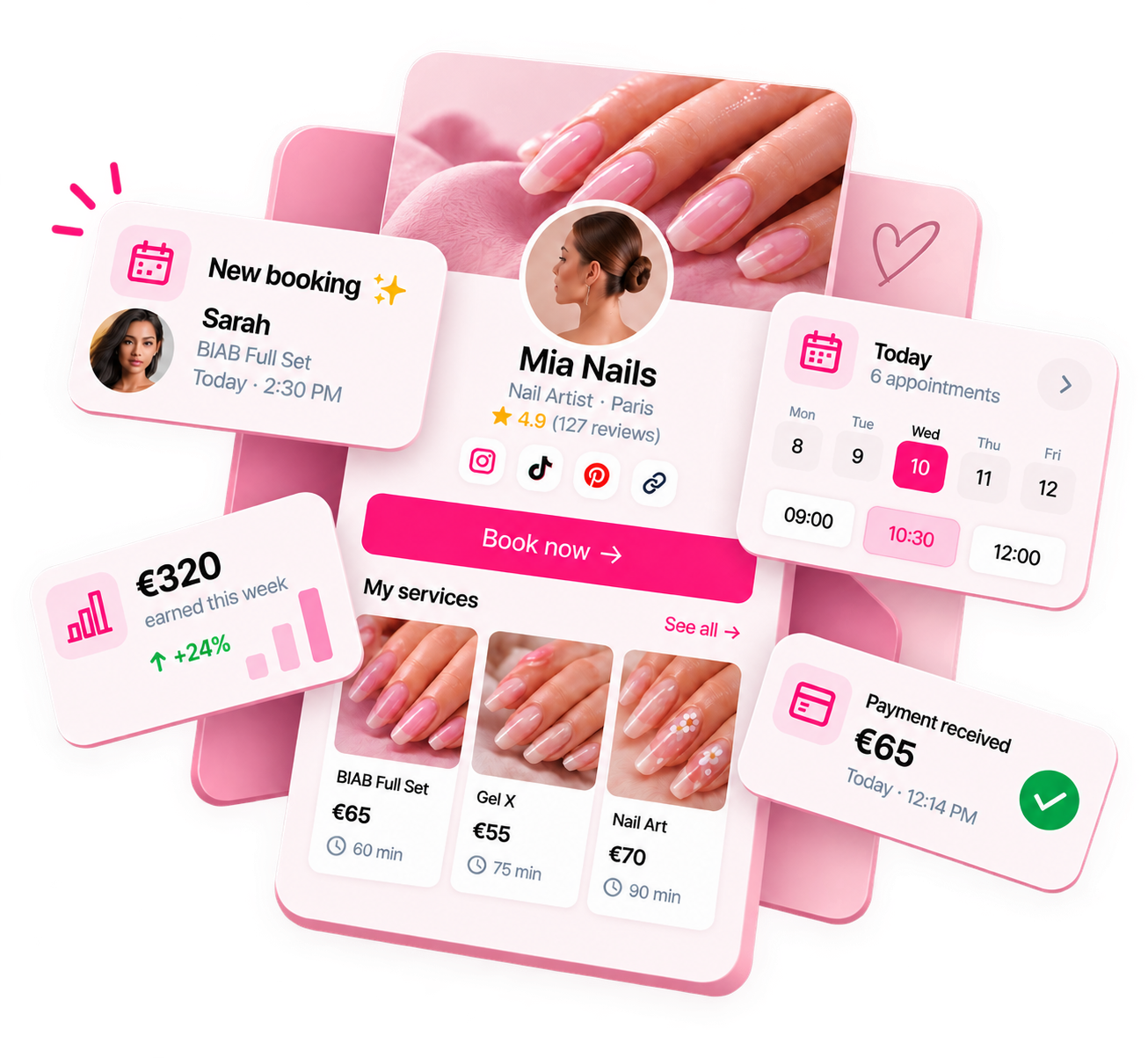
Ready to run your nail business more professionally?
Manage bookings, deposits and payments from one customisable Nelsy booking page.
Start free →Frequently asked questions
How long does it take to set up online booking?
Most nail techs can set up a complete booking page in 2–4 hours: 30 minutes choosing and signing up for a platform, 30–60 minutes setting up services and availability, 30 minutes configuring deposits and policies, and 30 minutes on the profile. Allow extra time for testing the client experience and setting up payment.
Should I set up online booking before or after I have clients?
Before — even if you have zero clients, launching with online booking from the start is much easier than migrating clients from DM booking later. Share your booking link in your first Instagram post about your nail business.
What if clients still want to book through Instagram DMs?
It's fine to respond to DM enquiries and direct them to your booking link. Over time, as clients get used to the system, fewer will try to book through DMs. Consistently directing all bookings to your link trains clients to use it.