Before you switch
The most common mistake is announcing the switch before the booking page is ready. Before you tell a single client or update your bio, your booking page should be complete, tested, and working exactly the way you want it.
✓ Pre-switch checklist
- ✓Service menu created with accurate prices and durations
- ✓Nail art add-ons configured
- ✓Deposit amount set
- ✓Booking confirmation message customised to sound like you
- ✓24-hour reminder configured
- ✓Test booking completed on your phone as a client
- ✓Cancellation policy written and visible on the booking page
Setting up your booking page
Your booking page is the thing that needs to do the work your DMs were doing — show your services, let clients pick a time, and collect their deposit. The key is making it feel like you, not a generic system.
- 1
Choose a platform and create an account
Start with Nelsy, Fresha, or another nail-tech-focused platform. Most offer a free trial without a credit card requirement. - 2
Set up your service menu
Add every service you offer with accurate prices, durations, and descriptions. If you do nail art, add it as an add-on to base services rather than a separate service — this gives clients accurate time estimates. - 3
Configure your deposit
Set a deposit amount between £10–25 or 20–30% of the service price. This should be collected automatically at booking, not requested separately. - 4
Write your confirmation message
Customise the automatic confirmation message to include your address (or studio directions), parking info, and what to expect. Make it sound like a message from you, not a corporate system. - 5
Test the full flow on your phone
Do a complete test booking as a client. Find the booking link, choose a service, pick a time, pay the deposit (use a test card if available). Note anything that feels confusing.
What to tell existing clients
Existing clients need to know the booking method has changed. The most effective approach is a combination of a story announcement plus a personal message to your regulars:
For regular clients you see frequently, a brief personal message works well:
Updating your Instagram
Your Instagram bio is the most important place to put your booking link. Three things to update:
- Bio link: Replace whatever's currently in your link-in-bio with your booking page URL. If you use a link-in-bio tool (Linktree etc.), make the booking link the first and most prominent option.
- Bio text: Add "Book via link in bio" or "Online booking: link below" to your bio. This tells new visitors exactly what to do.
- Highlights: Add a "Book" or "Bookings" highlight with a story that explains how to book and links to the booking page.
Handling DM enquiries during the transition
For the first few weeks after switching, clients will still DM you to book. That's expected. The key is to redirect them consistently rather than booking some through DMs and some through the booking page — that way lies confusion.
Save this as a quick reply on Instagram:
After 2–3 weeks of consistent redirects, the habit shifts and most clients will go directly to the booking page without DM-ing first. For more reminder message templates: free appointment reminder templates.
Common issues
"Clients say they can't find availability" — check your calendar settings and make sure your working hours are set correctly. If you blocked out time for something but forgot to unblock it, you'll show as unavailable.
"Clients complain about the deposit" — some will. Explain it simply: the deposit secures their slot and comes off the final price. Most clients accept this quickly, especially if they've been waiting for last-minute cancellations in the past.
"I'm still getting DMs from people wanting to book" — this is normal for the first 2–3 weeks. Redirect consistently. If you accommodate DM bookings during the transition, the transition takes longer.
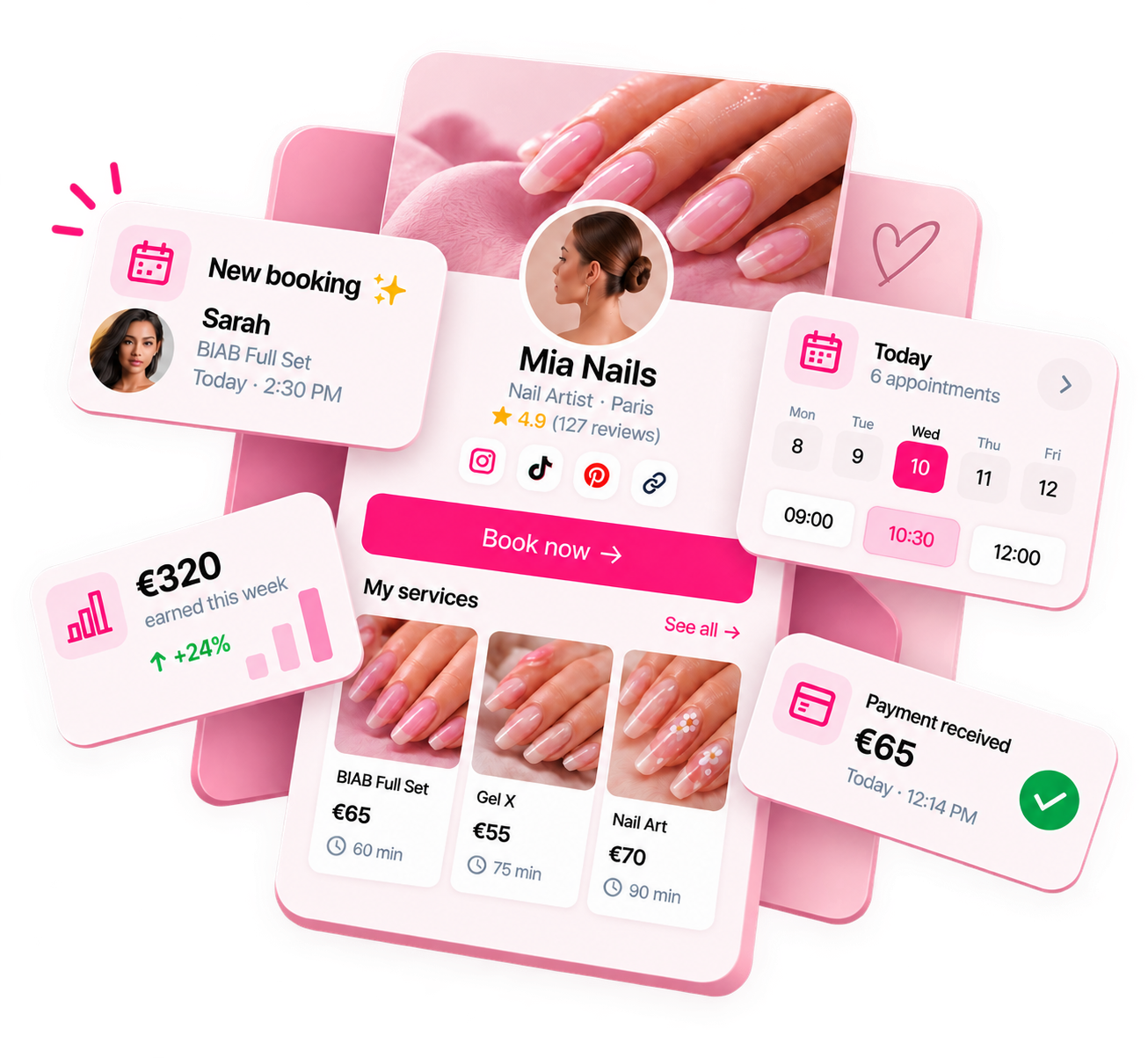
Ready to run your nail business more professionally?
Manage bookings, deposits and payments from one customisable Nelsy booking page.
Start free →Frequently asked questions
How long does it take to transition from DM to online booking?
Most nail techs complete the switch within 2–4 weeks. The technical setup takes a few hours. The transition period is the time it takes for existing clients to use the new link and for the habit of redirecting DMs to become automatic.
What if clients don't want to use online booking?
Most clients are fine with online booking once they've used it once. A small number of long-term loyal clients may prefer DMs — you can choose whether to accommodate them individually. What you don't want is maintaining a DM booking system for everyone because a small minority prefer it.
Should I announce the switch on Instagram?
Yes — a story announcement saves you from explaining it individually to every client who DMs you. Keep it positive and simple: you've set up an easier way to book. Most clients will appreciate it.