The essential elements
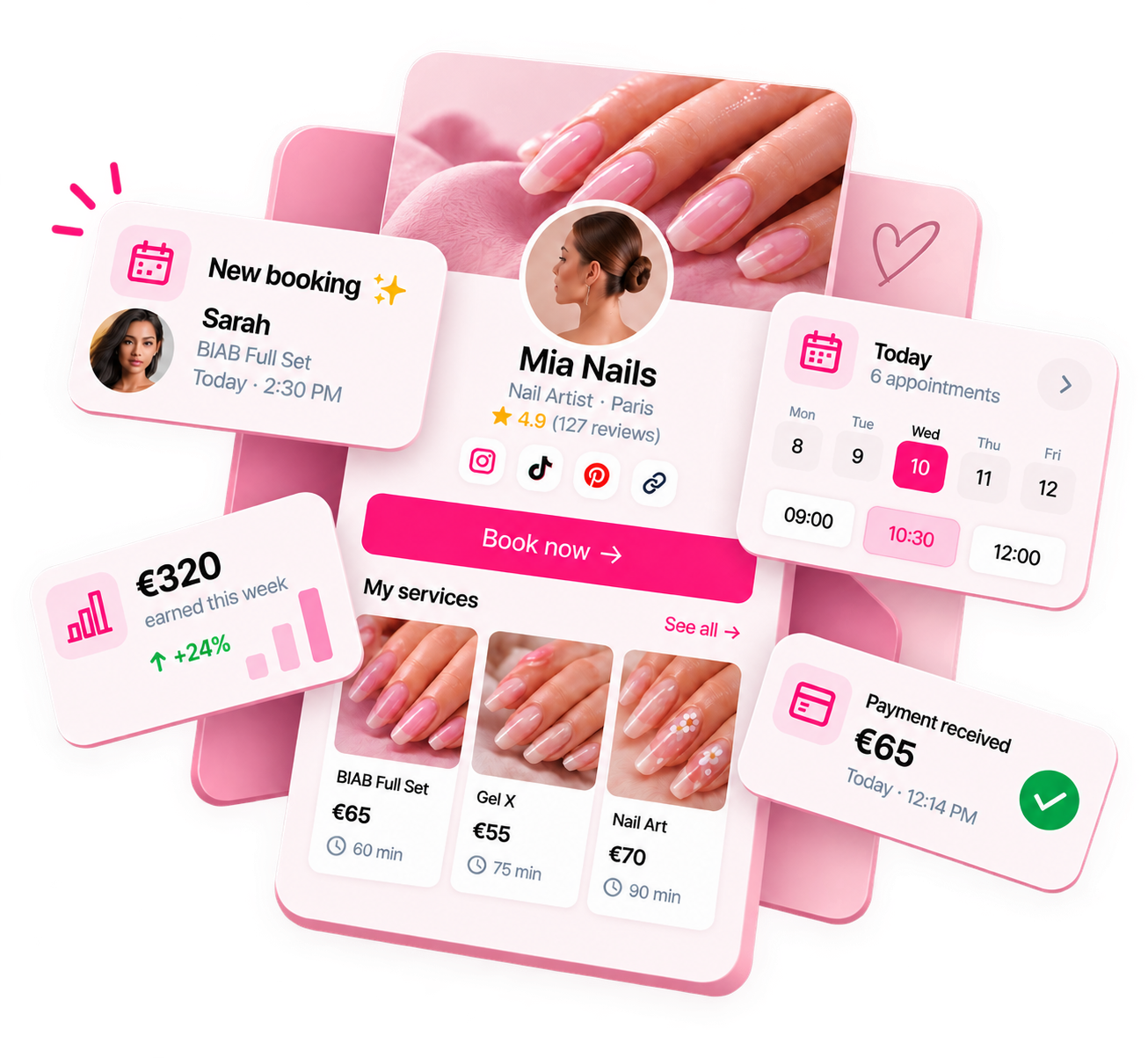
Your booking page has one job: convince a potential client to book with you and make that booking as easy as possible. Everything on the page should serve one of those two goals.
✓ Booking page essentials
- ✓Your name / business name
- ✓A brief description of what you offer and where you're based
- ✓Full service menu with prices and durations
- ✓Deposit amount and what it covers
- ✓Your location (city / area — full address can come in confirmation)
- ✓Your cancellation policy and notice period
- ✓Photos of your work
- ✓How to contact you if clients have questions
Deposit and payment info
Be upfront about deposits. Don't hide the deposit requirement at the end of the booking flow — state it clearly at the start. Clients who are surprised by a deposit at checkout are more likely to abandon the booking than clients who knew it was coming.
For a full deposit strategy guide: How to take deposits as a nail tech.
Location and access info
You don't need to put your full address on a public booking page — especially if you work from home. What clients need to know at booking time:
- The area or neighbourhood you're based in (e.g. "East London, E3")
- Whether there's parking or which tube/train station is closest
- Whether you're home-based, in a salon, or mobile
- Full address can come in the confirmation message after booking
Cancellation policy
Your cancellation policy should be visible before booking, not just in the confirmation email. Clients who know the policy upfront are less likely to dispute it later. Include:
- How much notice is required to cancel or reschedule without losing the deposit
- What happens to the deposit if they cancel within the notice period
- What happens for no-shows
For policy templates and examples: Nail tech no-show policy examples.
Photos and portfolio
Clients book nail services based on what they see. A booking page with no photos converts significantly worse than one with even 3–4 good photos of your work. You don't need a professional shoot — clean, well-lit photos of recent sets you're proud of are enough.
| Photo type | Effectiveness |
|---|---|
| Recent nail sets (close-up) | High — shows clients what to expect |
| Nail art you're proud of | High — attracts clients who want similar work |
| Photo of you working | Medium — adds trust and personality |
| Before/after | High — shows skill and transformation |
What to leave out
Booking pages that convert well are focused. Things that clutter a booking page without adding value:
- Long personal bios (put this on Instagram)
- Excessive rules and warnings before clients have even booked
- Services you no longer offer
- Overly complex add-on structures that require reading a guide
- Multiple ways to book (if you're directing to the booking page, remove the DM alternative)
Ready to run your nail business more professionally?
Manage bookings, deposits and payments from one customisable Nelsy booking page.
Start free →Frequently asked questions
Should I list prices on my booking page?
Yes. Hiding prices creates friction and distrust. Clients who don't know your price often assume the worst. Listing prices upfront filters out clients who can't afford your services (saving you both time) and attracts clients who are comfortable with your rates.
Do I need a photo on my booking page?
A photo of your work is strongly recommended. Clients booking nails want to see what they're getting. Even one or two high-quality nail photos significantly improve booking conversion. A photo of you is a bonus — it adds trust, especially for clients booking for the first time.
How detailed should service descriptions be?
Detailed enough to answer the most common pre-booking questions. For each service: what's included, approximately how long it takes, what preparation the client needs to do (if any), and what the end result looks like. Avoid jargon that clients might not know — "gel overlay" is clear; technical terms for specific nail techniques may not be.