Managing bookings from your phone
Your booking app is your primary business tool. From your phone, you should be able to:
- View your calendar for the day, week, and month
- See new bookings with client details
- Block availability (holiday, training, sick days)
- Reschedule or cancel appointments
- Message clients through the app
- View and receive deposits
Tracking finances on your phone
Basic finance tracking can be done entirely from your phone:
| Task | Tool |
|---|---|
| Track income | Your booking app's revenue report, or a simple Google Sheet updated weekly |
| Photograph receipts | Google Drive photo upload or a receipt-scanning app |
| Log expenses | Google Sheets app, Wave app, or your accounting software's mobile app |
| Check earnings against goal | Monthly income calculation in a spreadsheet or notes app |
For what to track: nail tech expense list.
Creating and scheduling content from your phone
- Photo albums: Keep a dedicated album called "Content" — move good shots here immediately after taking them so they don't get buried
- Lightroom presets: Saved presets mean you can edit a photo in 30 seconds on your phone
- CapCut or Instagram's editor: Edit Reels directly from your phone without a laptop
- Caption drafts: Keep a Notes document with caption drafts — write them in a quiet moment and paste when posting
- Schedule from Instagram: Instagram's native scheduler lets you prepare posts in advance from your phone
Batching guide: how to batch nail content for a whole month.
Client communication
- WhatsApp Business: Separate business messages from personal; set quick reply templates for common questions; configure an away message outside business hours
- Instagram DMs: Saved replies for common enquiries (pricing, availability, new client info)
- Email: A professional email address through Gmail or similar; mobile app for checking and replying
- Booking app messaging: Use your booking app's built-in messaging for appointment-specific communication so it's tracked in the booking context
Systems that reduce phone admin
The goal is to automate routine admin so your phone is for managing exceptions, not every interaction:
- Online booking with deposits = eliminates booking DMs and no-show chasing
- Automatic reminders = eliminates manual reminder messages
- Saved replies in Instagram and WhatsApp = eliminates typing the same response repeatedly
- Consistent pricing on your booking page = eliminates "how much do you charge?" DMs
- Clear policy on your booking page = eliminates policy negotiation messages
Good systems mean your phone is for quality work and client relationships, not constant admin. For all the tools that help: best business apps for nail techs.
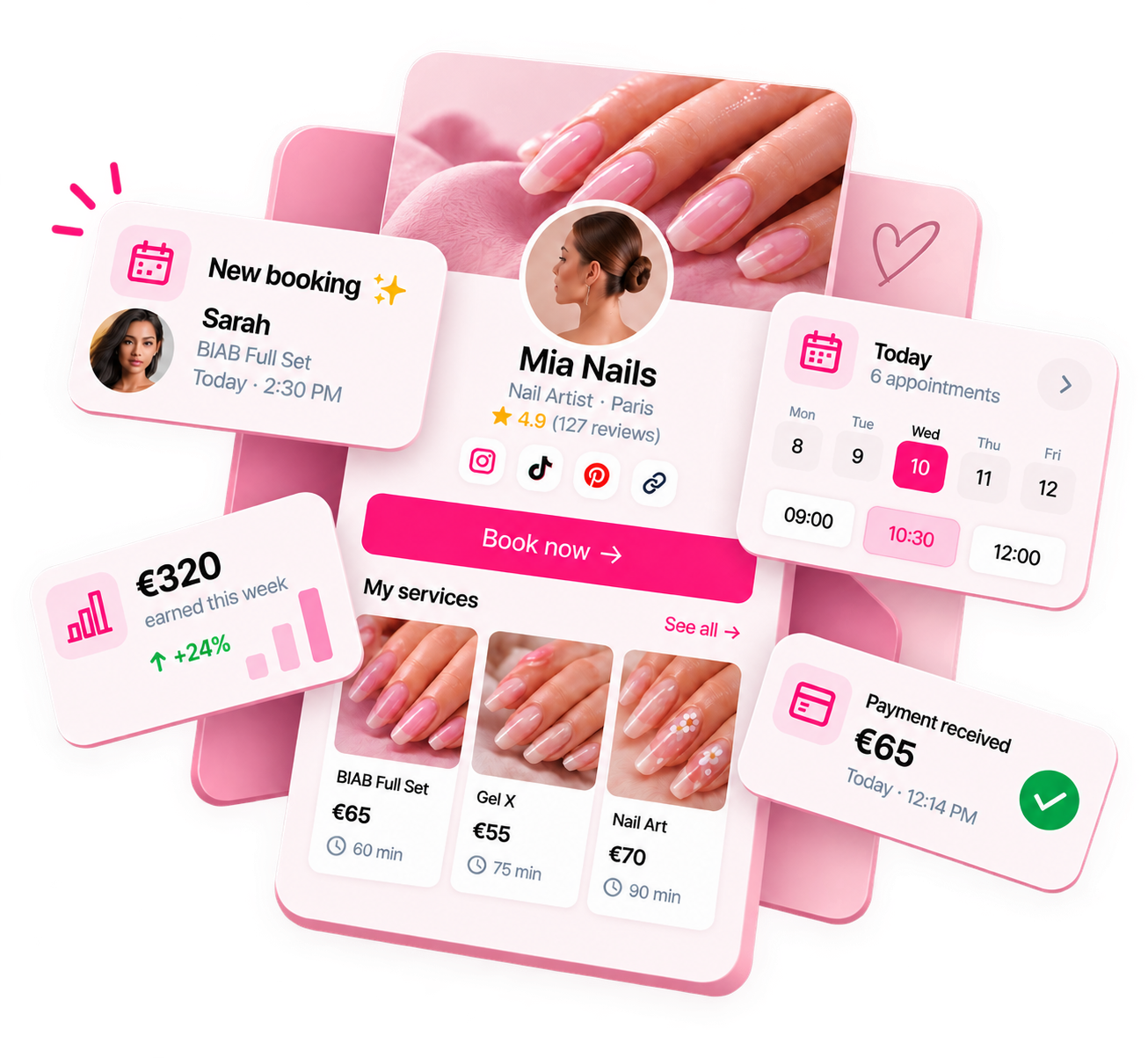
Ready to run your nail business more professionally?
Manage bookings, deposits and payments from one customisable Nelsy booking page.
Start free →Frequently asked questions
Should I have a separate phone for my nail business?
Most solo nail techs use their personal phone for their nail business — a second phone is rarely necessary or practical. A better approach: a separate WhatsApp Business account, a professional email address (not your personal Gmail), and organised folders/albums on your existing phone keep the business organised without needing separate hardware.
How do I stop business messages taking over my phone?
WhatsApp Business allows you to separate business messages from personal WhatsApp. For Instagram, check DMs at set times rather than having notifications on all day — constant DM notifications fragment your focus. Use your booking app to handle routine booking communication, so fewer things reach your personal DMs.