Start with your requirements, not the features list
The easiest way to choose the wrong booking app is to evaluate features without first knowing what you need. Booking platforms have long feature lists. Not all of them matter for a solo nail tech. Some of the most-marketed features (loyalty programmes, multi-location management, staff shift scheduling) are irrelevant if you're a single-person business.
Before looking at any platform, write down your answers to three questions:
- What does my service menu look like? How many services? Do you sell nail art as an add-on? What's your most complex pricing scenario?
- Do I need to find new clients, or manage existing ones? This determines whether you need marketplace exposure or just a clean booking link.
- What's my budget tolerance for monthly fees and transaction charges? Some platforms have no monthly fee but charge per booking. Others have a flat monthly cost. Run the numbers for your booking volume.
Questions to ask before signing up
| Question | Why it matters |
|---|---|
| Can I collect deposits automatically? | Manual deposit requests still require admin work |
| Is there commission on bookings from my existing clients? | Some marketplaces charge commission even if the client already knew you |
| Can I set my own booking link / URL? | A clean URL matters for your Instagram bio and client trust |
| What happens if I cancel my subscription? | Can you export your client data? Will existing bookings still be visible? |
| How does the client experience look on mobile? | Test on your phone — most bookings happen on phones |
| What payment processor do they use? | Stripe is standard and reliable; proprietary processors can have higher fees |
| Is there a free trial without a credit card? | Lets you test properly without risk |
How to properly test a booking platform
Most nail techs evaluate booking platforms by looking at the admin dashboard — the calendar view, the settings pages. That's the wrong approach. Evaluate the client-facing experience first.
- 1
Create a free account and set up a basic service menu
Add 2–3 real services with accurate prices and durations. Set a deposit amount. This tests how flexible the service setup is. - 2
Send yourself the booking link
Open it on your phone as if you were a new client seeing it for the first time. How does it look? Is it clear? Can you find the services easily? - 3
Complete a test booking all the way through
Go through the full booking flow: choose a service, pick a time, add your details, pay the deposit. Note every friction point. - 4
Check the confirmation experience
Did you receive a confirmation message? Does it include the appointment details, the address, and the cancellation policy? Is the message personalised or generic? - 5
Test the reminder system
Check whether reminders are configured by default and what they say. Ideally test a 24-hour reminder if the platform allows it.
Understanding booking platform fee structures
Fee structures vary widely between platforms. The main models:
| Model | How it works | Best if |
|---|---|---|
| Flat monthly subscription | Pay a fixed monthly fee regardless of bookings | You have consistent booking volume |
| Per-booking fee | Platform charges a small fee per completed booking | You have variable booking volume |
| Commission on new clients | Platform charges % commission on clients found via their marketplace | You want marketplace exposure and factor in the cost |
| Payment processing fee | Fee on each payment processed (typically 1.5–3%) | Standard — check the rate vs alternatives |
| No subscription + transaction fee | Free to use but charges % on each booking's deposit or total | Compare carefully — can be high volume cost |
Switching from one platform to another
Switching booking apps is common — most nail techs try 2–3 before settling. The main tasks when switching:
- Export your client list from the old platform before cancelling
- Update your Instagram bio link, any website booking links, and any saved DM templates you use
- Message existing clients: "I've moved my booking to [new link] — please use this for your next appointment"
- Let any bookings that are already confirmed run out on the old platform before fully switching
Switching is less disruptive than nail techs fear. Clients who want to book with you will use whatever link you give them.
Useful resources
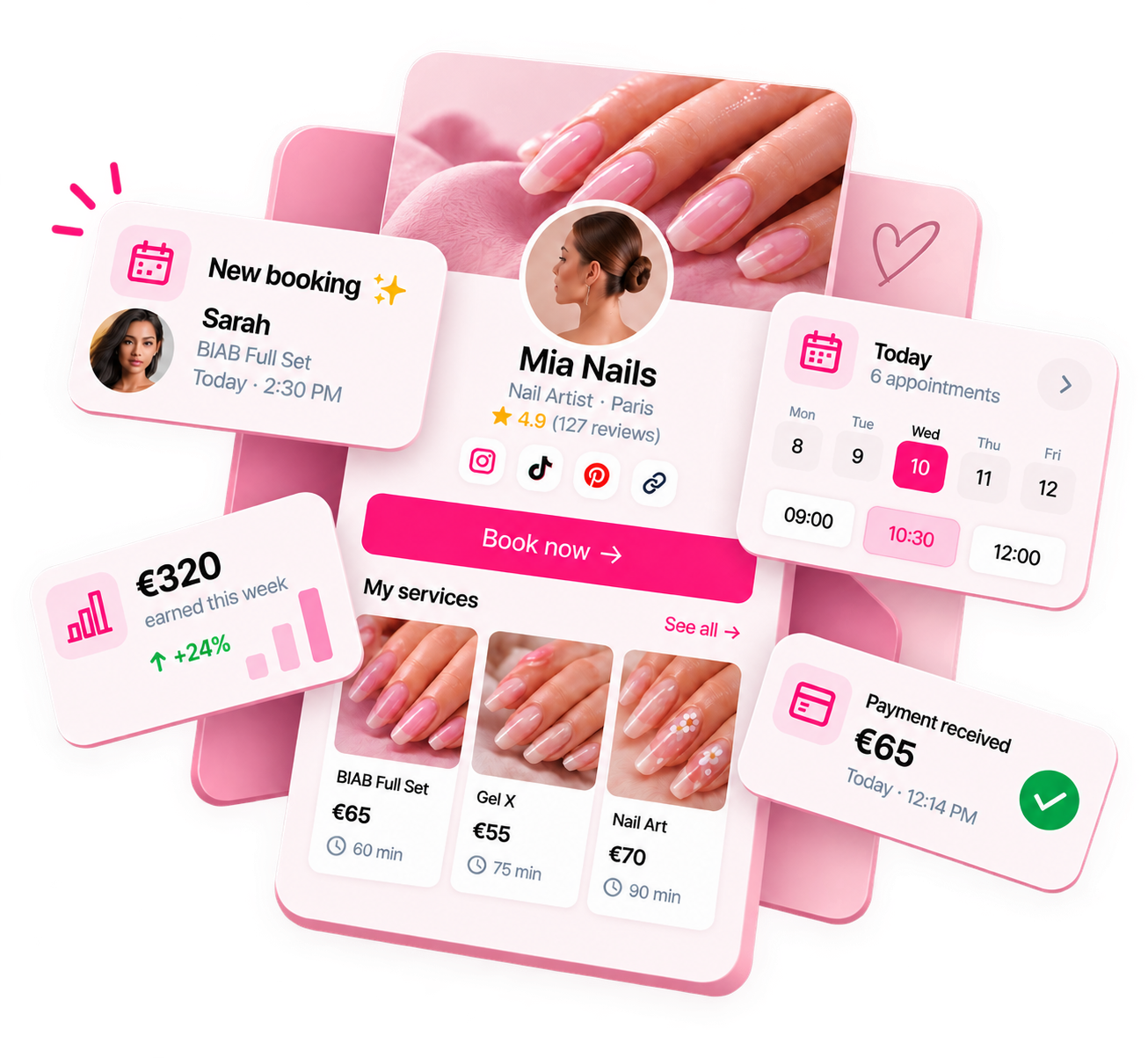
Ready to run your nail business more professionally?
Manage bookings, deposits and payments from one customisable Nelsy booking page.
Start free →Frequently asked questions
How long does it take to set up a nail tech booking app?
Most platforms take 1–3 hours to set up properly: creating your service menu, writing service descriptions, adding prices, setting your availability, and configuring deposit settings. Some platforms have more complex setups. If it's taking longer than an afternoon, that complexity will affect your day-to-day use.
Should I choose a platform with a marketplace or a standalone booking page?
Depends on where you are in your business. If you need new clients and don't have a strong Instagram presence, marketplace visibility helps. If you have an established following and primarily want to manage bookings, a clean standalone booking page is better — and avoids marketplace commission fees.
What happens to my bookings if I switch platforms?
Most platforms let you export your client list and booking history. Check this before committing. You'll need to update your booking link (in your bio, on your website if you have one, in saved message templates). Let existing clients know the link has changed.