What batching means
Batching means grouping similar tasks together rather than doing them one at a time. Instead of taking a photo, editing it, writing a caption, and posting it every day, you take photos all week, then edit them all, then write all the captions, then schedule everything in one session.
Context switching is expensive mentally — switching from client work to content creation to editing to writing back to client work fragments your focus. Batching keeps you in one mode at a time.
Batching nail photos
Capture photos throughout your working week rather than in one session:
- Set up your photo spot (window light + neutral background) once and keep it consistent all week
- Photograph the finished set while the client is still seated — before they leave
- Take 5–10 shots per set in slightly different positions; you'll pick the best later
- For video: leave your phone filming during application — timelapse or process clips you can edit later
- Save everything to a dedicated "content" folder on your phone for easy access in editing sessions
Batching nail videos
Video batching works slightly differently because filming happens during appointments, not in a separate session:
- Set up a phone stand or ring light mount at the start of appointments where you want video
- Film multiple clips (prep, application, shaping, reveal) and choose what to use in editing
- Aim for 2–3 videos per week to batch — you don't need to film every appointment
- Dedicated editing time: edit all raw video into reusable clips once or twice a week
Batching captions
Write all your captions in one session, not one at a time:
- Pull up all your photos/videos for the week
- Write captions for each one in sequence — the momentum of writing carries over
- Keep a list of caption templates (availability prompts, educational openings, inspo captions) to adapt
- Batch your CTAs too: decide which posts get booking CTAs vs save/share vs comment prompts
- Draft in Notes or a Google Doc and copy to Instagram — easier to write and edit without the app
Caption templates and CTA examples: nail tech call-to-action examples.
Scheduling posts in advance
Once you have content and captions ready, schedule posts ahead so they go out without you needing to remember:
- Instagram's native scheduler: Available in the Instagram app — create a post and select "Schedule" instead of "Share." Simple and free.
- Meta Business Suite: Lets you schedule both Instagram and Facebook posts from a single dashboard
- Third-party tools: Various scheduling apps exist with additional features; only necessary if native tools don't meet your needs
A monthly batching session
At the start of each month (or end of the prior month), sit down for a 60–90 minute content planning session:
- Review last month: what performed well? What got bookings?
- Map out the month's content calendar — categories for each week (see the 30-day content calendar guide)
- Note any key dates: holidays, seasonal trends, your availability opening dates
- Decide which services you want to push this month
- Plan which weeks you'll prioritise shooting video
This 90-minute session eliminates daily decision-making for the entire month. Combined with photo and caption batching through the week, you can run a consistent, effective social presence in a few hours per week of focused work.
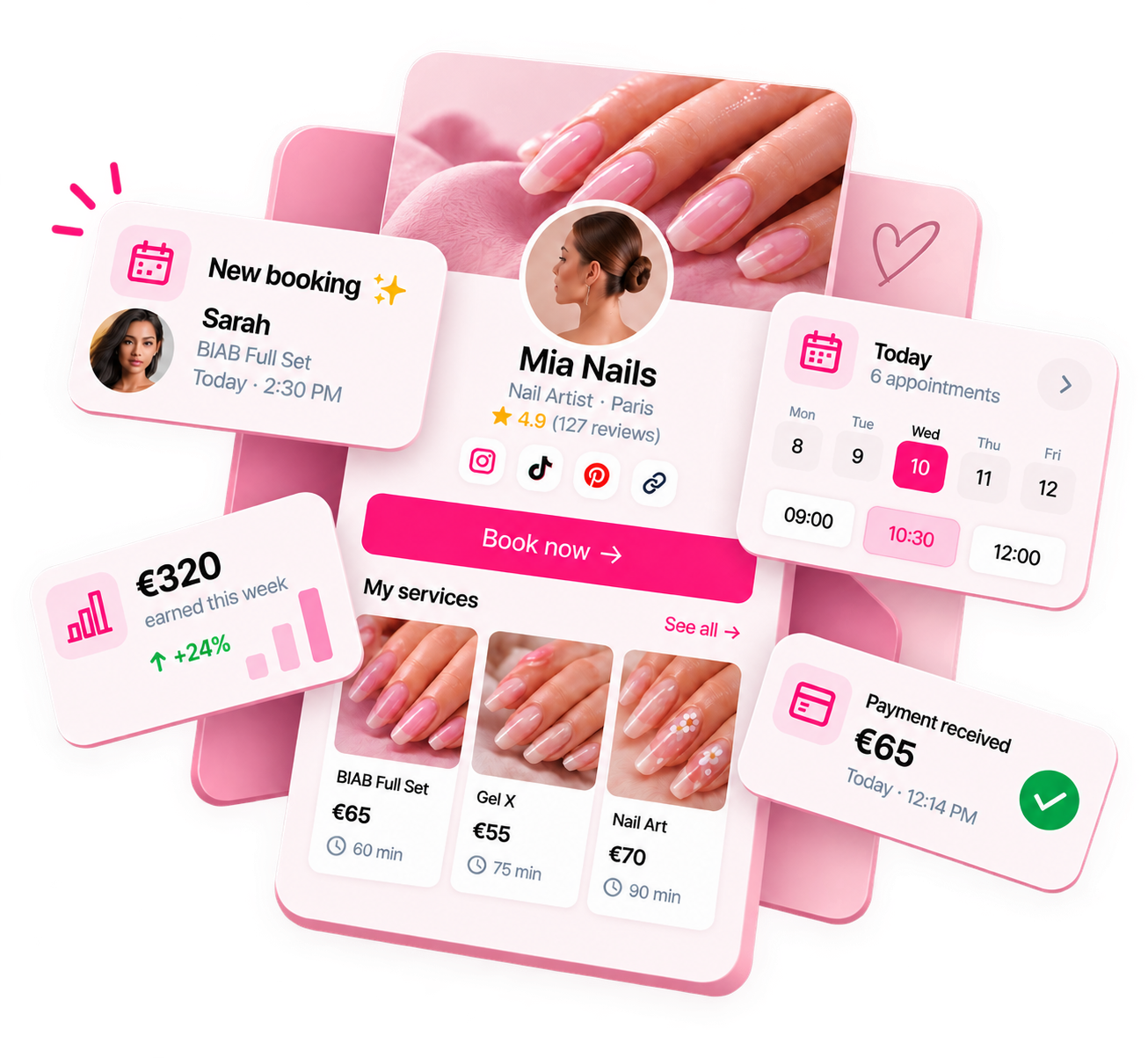
Ready to run your nail business more professionally?
Manage bookings, deposits and payments from one customisable Nelsy booking page.
Start free →Frequently asked questions
How long does batching a month of content take?
For most nail techs, a full month of content (16–20 posts) can be batched across two or three sessions: a photo collection session throughout the working week (capturing sets as you do them), a 1–2 hour editing and caption session, and a 30-minute scheduling session. Total active time: 3–4 hours for a month of content. This is far less time than creating content daily.
Do I need special equipment to batch nail content?
No. Your phone camera, a simple phone stand or ring light, and natural light from a window is enough. Consistency in your setup (same background, same light direction) makes batching easier — you're not resetting your shooting environment every time.
Can I batch content if I don't know what nail sets I'll be doing next month?
Yes — you don't need to plan specific sets in advance. Plan your content categories ("I need a transformation, two set showcases, and one educational post this week") and shoot what naturally comes up in your appointments. The planning is about what types of content you need, not pre-scripted sets.