What mobile nail techs need specifically
| Need | Why it matters for mobile nail techs |
|---|---|
| Travel buffer / gap time | Must block transit time between appointments to avoid double-booking |
| Client address collection at booking | You need to know where you're going before confirming; some apps collect this at booking |
| Mobile payment processing | Taking card payments at client homes without a fixed terminal |
| Clear location display | Show your service area or list as "mobile" rather than a fixed address |
| Route-efficient scheduling | Some tools or manual planning helps cluster bookings geographically |
| Deposit at booking | Client no-shows cost you travel time and fuel on top of the appointment |
Best platforms for mobile nail techs
Fresha — Allows mobile service listing; strong client-facing app; deposit collection; marketplace visibility for "mobile" searches in your area. Free subscription model works well for mobile nail techs who may have variable booking volumes.
Booksy — Has mobile service listing options; strong automated reminders cut down on wasted travel; client app is good. Subscription model.
Nelsy — Direct booking page with deposit collection; works for mobile nail techs who bring their own clients rather than relying on marketplace discovery. See Nelsy →
Square Appointments — Strong if you want integrated card payment via Square's hardware (card readers for mobile payments at client homes); less suited to beauty-specific client management.
Managing travel time in your schedule
Travel time is the biggest scheduling complexity for mobile nail techs:
- Set a standard buffer after each service in your booking app — 30–45 minutes is a common starting point
- For clients in different areas, consider manually blocking additional time after confirmation if travel is longer
- Group bookings geographically where possible — two clients in the same postcode area on the same day saves significant travel
- Your service area should be clear at the point of booking — specify it in your booking page description to avoid accepting bookings too far afield
Taking payment on the go
- Deposit at booking: Collect a deposit upfront via your booking app — this covers you if the client doesn't answer the door
- Link-based payment: Many platforms allow you to send a payment link for the remaining balance after the appointment — no hardware needed
- Card reader: Square, SumUp, or iZettle card readers are small, portable, and work via phone — good for taking card payments at client locations
- Bank transfer: Some mobile nail techs take the balance via bank transfer — simple, but slower than card processing
For managing your whole nail business from your phone: how to organise your nail business from your phone.
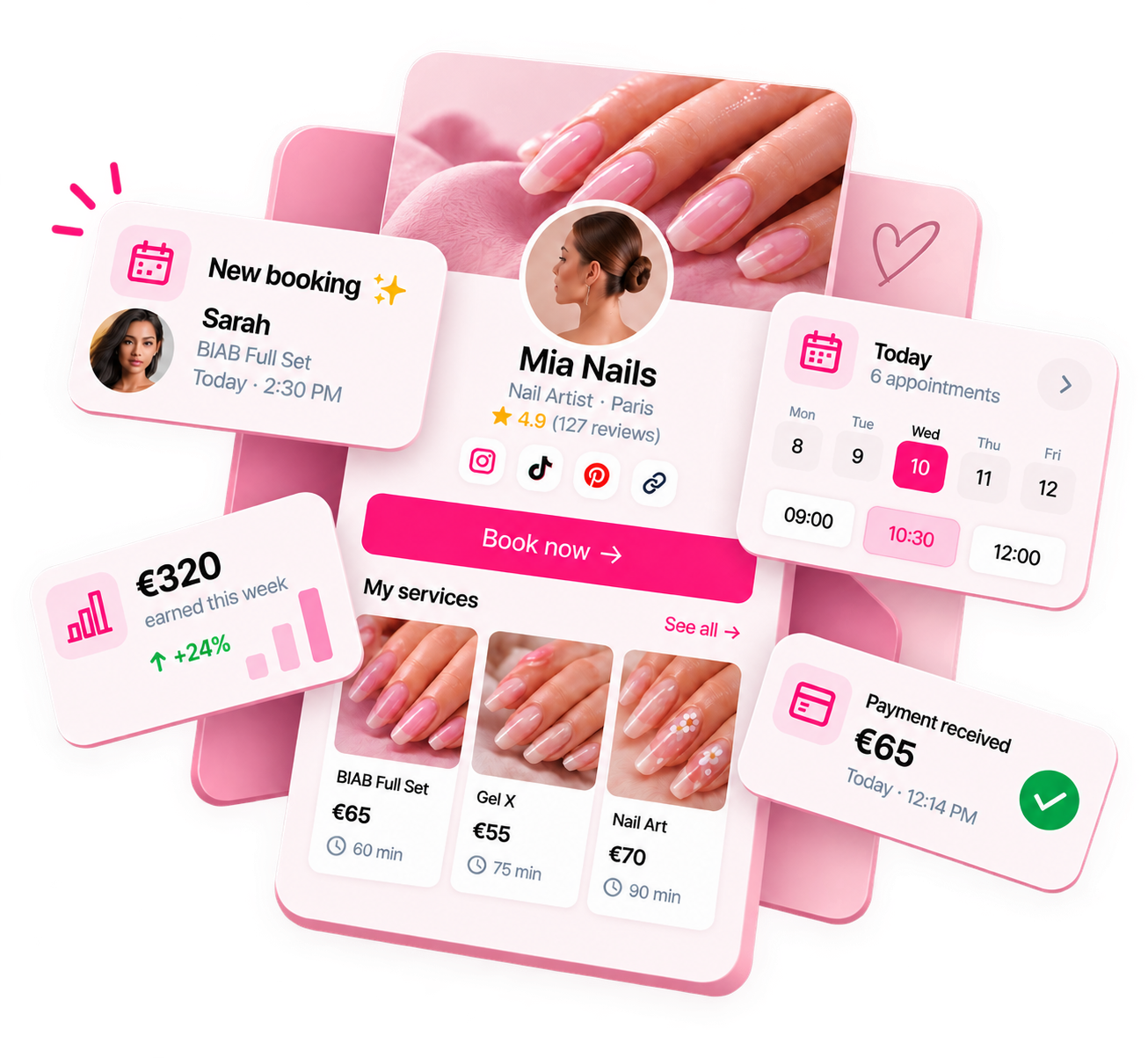
Ready to run your nail business more professionally?
Manage bookings, deposits and payments from one customisable Nelsy booking page.
Start free →Frequently asked questions
How should mobile nail techs block travel time between appointments?
Most booking apps allow you to add "buffer time" before or after services. This blocks that time in your calendar so it can't be booked. Set your travel buffer as an automatic buffer added after each appointment. If your travel time varies significantly by location, some nail techs manually block travel time after each booking or build a longer standard buffer.
Should mobile nail techs charge a travel fee?
Many mobile nail techs charge a travel fee beyond a certain radius to cover fuel, time, and wear on their vehicle. If you do, your booking system should show this clearly at the time of booking — either as a service surcharge or a separate travel fee service. Clients should see the full cost before confirming.