What a link in bio page does
Instagram allows one clickable link in your profile bio. Most nail techs who tell followers to "check the link in bio" send them to a simple page that links to multiple destinations — booking, price list, portfolio, contact.
The link in bio page is a bridge between your Instagram presence and your booking system. It's the last step before someone becomes a client — keep it simple, fast, and focused on making that booking happen.
What to include on your page
| Element | Purpose | Priority |
|---|---|---|
| Booking link | Direct link to your booking system or booking enquiry form | Essential — always first |
| Price list | Link to prices so new clients can self-qualify before booking | High — reduces back-and-forth |
| Location / area | Clear about where you work (home, salon, which area) | High — saves wasted enquiries |
| Contact / DM prompt | A way to ask questions if the booking link doesn't cover their need | Useful |
| Portfolio gallery | Link to more of your work (or to Instagram itself) | Nice to have |
What to avoid
- Too many links: More than 5–6 links creates decision paralysis
- Stale links: Links to old promotions, unavailable services, or broken pages undermine trust
- No mobile optimisation: Most Instagram visitors are on mobile — make sure everything is easy to tap
- Generic page with no personality: Your link in bio page should feel like you — name, brief description, on-brand style
- Missing your location/area: Clients need to know where you are before they can book
Tools for building your page
Several tools create simple link-in-bio pages:
- Linktree: The most widely known option; simple, free tier available; branded pages on paid plan
- Stan.store / Beacons: Creator-focused; some include features for selling (gift cards, services)
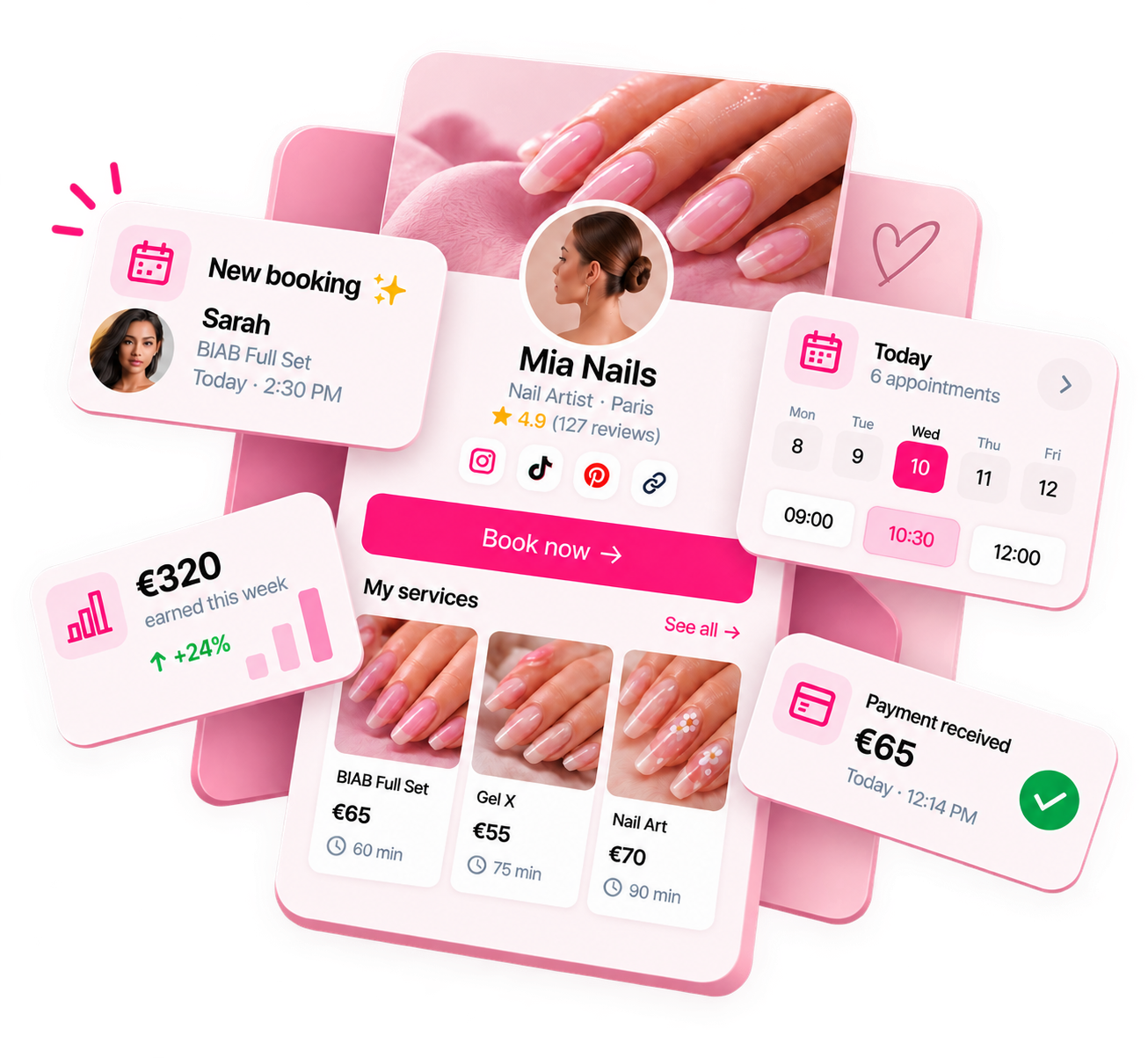
- Your booking software's profile page: Some booking platforms (including Nelsy) provide a shareable booking profile that works as a link in bio page
- A simple page on your own website: If you have one — the most control and no tool branding
Optimising for bookings
Small changes that increase the chance of a click converting to a booking:
- Use action-oriented button text: "Book your appointment" converts better than "Booking"
- Add availability context: "Spaces available in [month] — book below" creates urgency
- Include your name and location: "Nail tech based in [area]" qualifies visitors immediately
- Update your Instagram bio to reference the link: "Book below 👇" or "Availability in bio link" — remind people it's there
- Make sure the page loads quickly on mobile: Test it on your own phone before sending anyone there
For what to put in your Instagram captions to drive clicks: nail tech call-to-action examples.
Ready to run your nail business more professionally?
Manage bookings, deposits and payments from one customisable Nelsy booking page.
Start free →Frequently asked questions
Should I use a link in bio tool or my own website?
If you have a booking website already, link directly to your booking page — that's the most efficient path. A link in bio tool is useful when you want to link to multiple destinations (booking, price list, Instagram portfolio, testimonials) rather than just one. Some nail techs use a link in bio as a lightweight "hub" page when they don't have a full website.
How often should I update my link in bio?
Keep the core links permanent — booking, prices, contact. Update seasonal or time-limited links when they're relevant (e.g., a Christmas availability link, a new service announcement). Review it every few months to remove stale links and make sure everything still works.
Does having too many links in my bio hurt conversions?
Yes. Each additional link adds a decision. Clients who land on a page with 10 links often don't know which one to pick and leave. Keep your primary page to 3–5 links maximum, with your booking link first and most prominent. Everything else should serve a purpose — remove it if it's not getting clicks.