What solo nail techs actually need
Solo nail techs have different needs from salons. You don\'t need staff scheduling, complex inventory management, or multi-location reporting. What you need is a system that:
- Shows your real-time availability and takes bookings without requiring you to be online
- Collects deposits automatically, before the appointment
- Sends reminders to reduce no-shows
- Stores client history so you remember what they had last time
- Makes the booking experience smooth for your clients — so they actually use it
Everything beyond this is optional — useful in some cases, but not core.
Must-have features
| Feature | Why it matters for nail techs |
|---|---|
| Online booking with real-time availability | Clients can book without messaging you; you don't get double-booked |
| Deposit collection | The most important feature for reducing no-shows. Without it, you carry all the risk. |
| Automated reminders | Reduces no-shows and late cancellations meaningfully — without manual effort |
| Cancellation policy enforcement | Clients should see and agree to your policy at booking; system should enforce deposit forfeiture on short-notice cancellations |
| Client profiles | Name, booking history, notes (nail shape, preferences, sensitivities) — reduces the time you spend re-consulting each visit |
| Mobile-friendly booking page | Most clients will book from a phone — the experience must work on mobile |
Nice-to-have features
| Feature | When it's useful |
|---|---|
| Marketplace / discovery listing | If you want a platform to drive new clients to you, not just manage existing ones |
| Follow-up messages | Automated post-appointment messages prompting reviews or rebooking |
| Waitlist | Useful if you regularly fill up and want to manage cancellation slots |
| Instagram booking button integration | Direct link from your Instagram profile to book — reduces friction |
| Branded booking page | Customised to your visual identity rather than a generic template |
| Reporting and analytics | Revenue tracking, busiest days, popular services — useful once you're established |
Types of platforms to consider
There are a few distinct categories of scheduling tools used by nail techs:
| Platform type | What it is | Best for |
|---|---|---|
| Marketplace + booking software | Fresha, Booksy — both manage bookings and list you on a consumer marketplace | Nail techs who want a discovery channel alongside booking management |
| Dedicated beauty booking software | GlossGenius, Timely, Acuity — focused on the professional, not the marketplace | Nail techs who build their client base directly (Instagram, referrals) and want a clean booking experience |
| Purpose-built for nail techs | Nelsy — booking management designed specifically for nail businesses, with policies, deposits, client history | Independent nail techs who want everything nail-specific without paying for salon features they don't need |
| Generic scheduling tools | Calendly, Square Appointments — broad tools not specific to beauty | Can work for basic scheduling; typically lack nail-specific features like service-length templates or nail photo uploads |
How to evaluate before committing
- Book a test appointment on yourself: Go through the full client booking flow — this is what your clients experience, and it\'s often very different from the admin dashboard
- Test on mobile: Most clients will book from a phone — if the booking flow is clunky on mobile, your conversion rate will suffer
- Calculate your actual cost: Work out what you\'d pay at your appointment volume with the pricing structure — free platforms with per-transaction fees can exceed subscriptions for busy nail techs
- Check deposit and cancellation tools specifically: These matter enormously for day-to-day nail business operations — test them in the trial
- Ask other nail techs: What do nail techs in your area use? What\'s their experience of client adoption on each platform?
Red flags to watch for
For platform-specific comparisons: Fresha vs Booksy | GlossGenius vs Fresha.
Nelsy is built for independent nail techs — online booking, deposits, client profiles, and nail-specific service management. Start free →
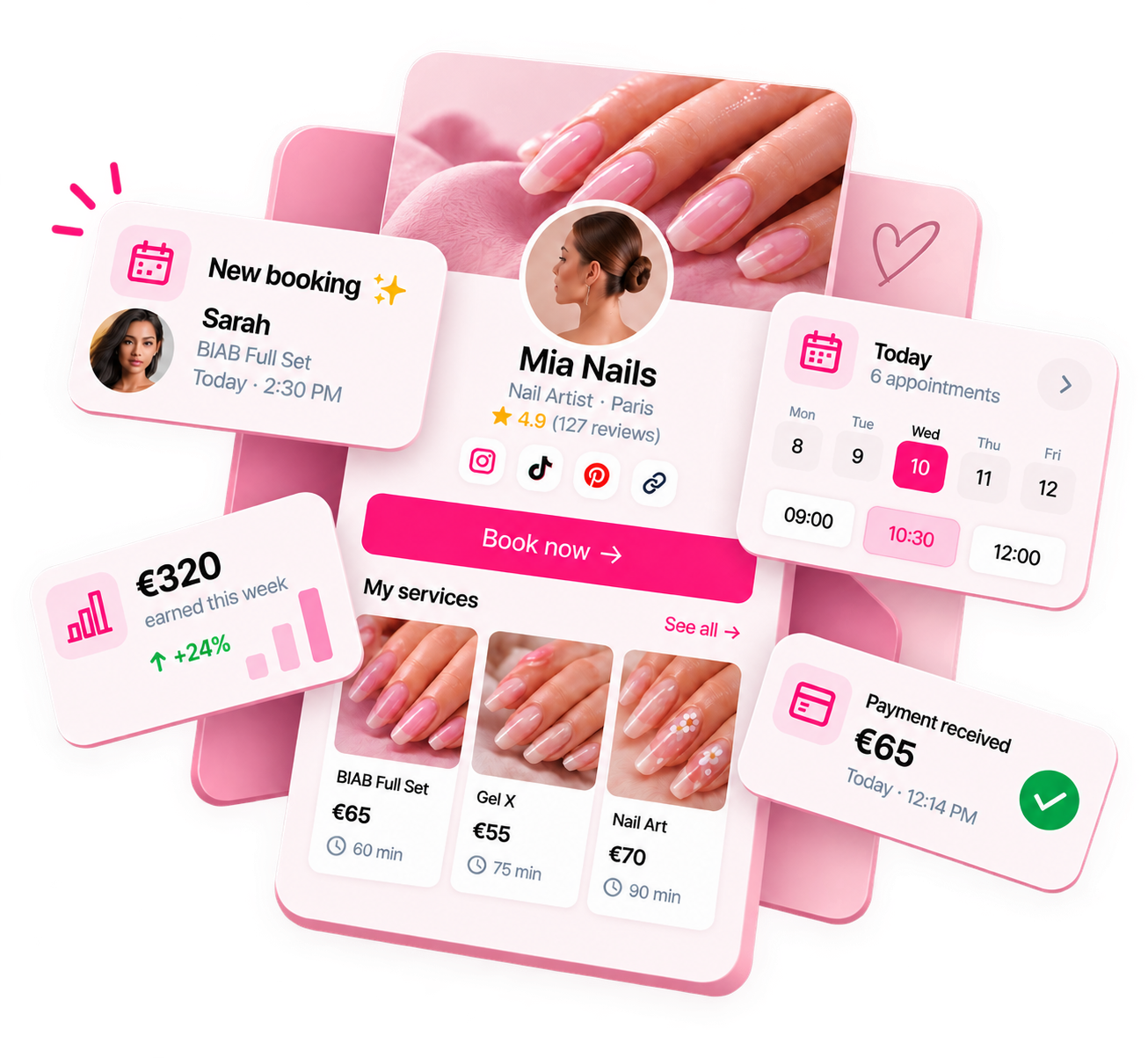
Ready to run your nail business more professionally?
Manage bookings, deposits and payments from one customisable Nelsy booking page.
Start free →Frequently asked questions
Do I need scheduling software, or can I take bookings by DM?
You can take bookings by DM, and many nail techs start this way. But DM bookings don't enforce deposits, can be forgotten or double-booked, give you no client history, and require you to be available at all hours to confirm bookings. Scheduling software automates confirmation, deposits, reminders, and client records — freeing you to focus on the work. Most nail techs find that the hours saved and the deposit protection alone justify the switch.
How much should scheduling software cost a solo nail tech?
Options range from free (with trade-offs like marketplace fees on new clients or limited features) to paid subscriptions typically in the range of £20–£50+/month depending on features and platform. Calculate what you actually need and what you'd pay at your volume — a free platform with high per-transaction fees can cost more than a subscription for a busy nail tech.
Can I try scheduling software before committing?
Yes — most platforms offer a free trial, and many have a free tier with basic features. Use the trial to test the client-facing booking flow by booking a test appointment yourself. What matters isn't how the dashboard looks to you — it's how booking feels to your clients.