Why Pinterest works for nail techs
- Evergreen content: Unlike Instagram posts that are forgotten within 48 hours, a Pinterest pin can drive traffic for months or years after you post it
- Search intent: People come to Pinterest to find things to do or buy — "pink almond nail ideas", "spring nail designs 2026" — they are already planning and looking
- Less competition: Most nail techs focus all their content effort on Instagram; Pinterest is less crowded and your content can stand out more easily
- Drives to your website: Pinterest pins link back to your booking page or website — it's designed to send traffic, not keep it on the platform
- Discovery by new clients: Pinterest users frequently discover nail techs they didn't know existed; Instagram is more about following accounts you already know
Setting up your account
- 1
Create a business account
Use a Pinterest Business account (free) — this gives you access to analytics, allows you to link to your website, and displays your location and contact information. - 2
Claim your website
Connect your booking website or link-in-bio page to your Pinterest account. This attribute your pins back to your site and builds credibility in Pinterest's algorithm. - 3
Set up your profile
Use your nail business name, a clear profile photo, and a keyword-rich description: "Nail tech in [city] — booking gel, extensions, and nail art. Book at [link]." - 4
Create boards
Set up 5–10 boards for the types of nails you do or want to attract: "Pink Nail Ideas", "Gel Extension Inspo", "Nail Art Designs", "Autumn Nails", etc. Name boards the way clients search, not how you categorise internally.
What to pin
- Your own nail photos: The most important content — your own work, optimised for Pinterest with keyword-rich titles and descriptions
- Inspo from others: Repin high-quality nail content from other creators; this fills your boards, helps Pinterest understand what your account is about, and builds your following without requiring you to produce all the content
- Seasonal and trend content: Create pins specifically for what people are searching: "summer nail ideas 2026", "Christmas nail designs", "autumn nail inspo"
- Blog or article content: If you have articles on your website (or on Nelsy!), pin them with a descriptive image and strong keyword title
Optimising for search
- Pin title: Use the exact search term clients would type — "Hot Pink Chrome Nail Ideas" not "New set 🌸"
- Pin description: 2–3 sentences with natural keywords: what the set is, the service type, your location, and a call to action ("Book with [name] in [city]")
- Board names: Name boards exactly how people search — "Autumn Nail Ideas" not "My autumn work"
- Alt text: Add alt text to every pin; Pinterest uses this for search
- Keywords in your profile: Include the city you work in and the services you offer in your profile description
Converting views to bookings
- Every pin should link to a destination that can convert a viewer into a client — your booking page, website, or a link-in-bio tool with a clear booking option
- Include your location in every pin description — "nail tech in [city]" helps local clients identify you as relevant
- Use a clear call to action: "Book via link in bio" or "Booking link in my profile"
- Pinterest users often save pins for future reference — they may come back to book weeks or months after first seeing your work
- Track Pinterest referral traffic in your booking software analytics — if Pinterest is driving bookings, you'll see it in the referral source data
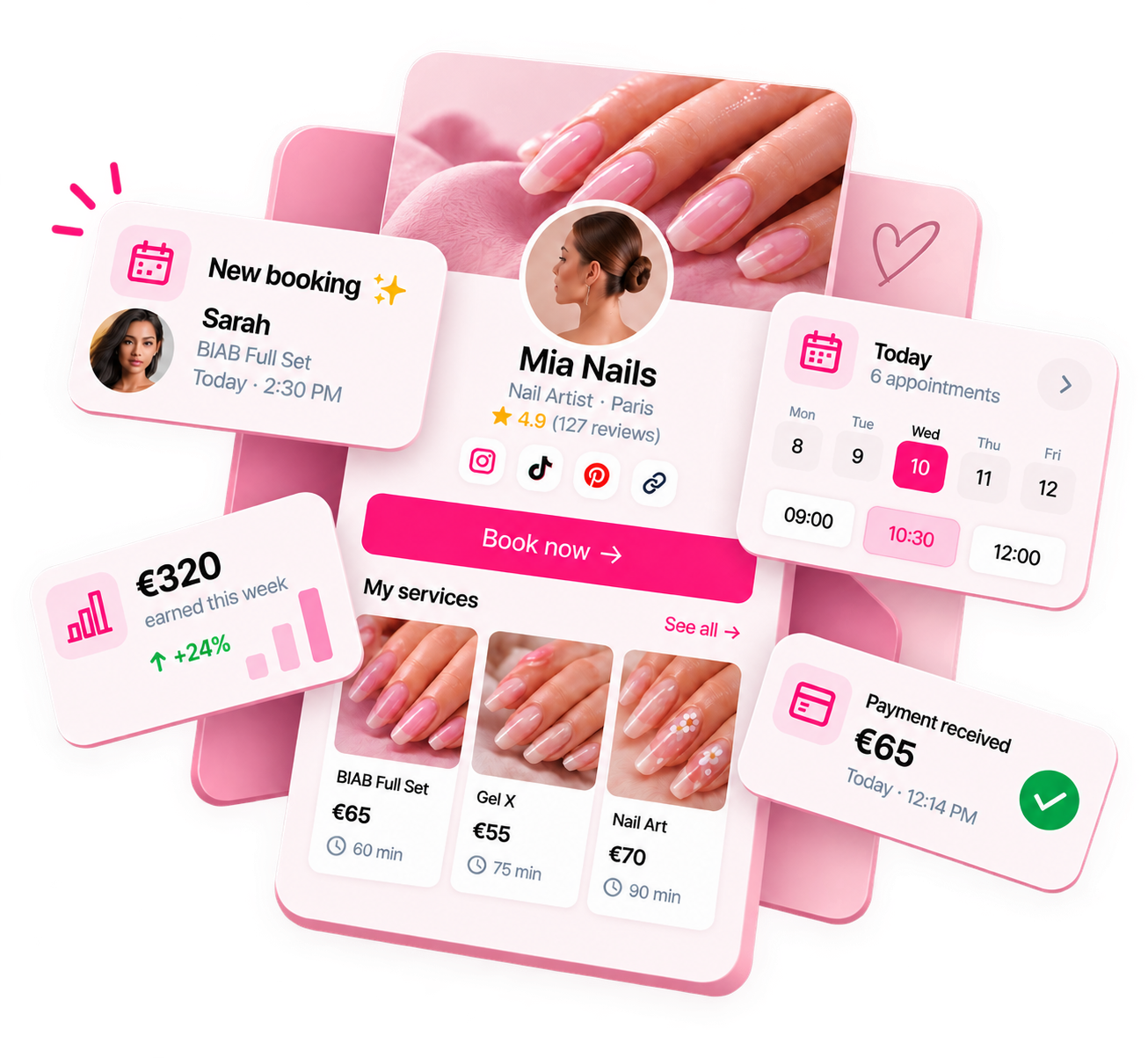
Ready to run your nail business more professionally?
Manage bookings, deposits and payments from one customisable Nelsy booking page.
Start free →Frequently asked questions
How long does it take to see results from Pinterest?
Pinterest is a slow-burn platform — results build over months, not days. The first month, traffic is typically minimal. By month 3–6 of consistent pinning, you should see measurable referral traffic. After a year, well-optimised pins can drive consistent inbound traffic with no ongoing effort. The key difference from Instagram is that Pinterest pins can drive traffic years after posting.
Do I need to post on Pinterest every day?
No. Pinterest rewards consistency over frequency — 3–7 pins per week of high-quality content outperforms 30 lower-quality pins per week. Batch your pinning sessions (once or twice a week for 20 minutes) rather than posting sporadically.